One system, however your trade runs the day

Roofers chase weather, plumbers chase calls, GCs chase phases. Bricklark holds the same job record underneath all of it — quote, schedule, crew, photos, invoice, paid.

Create accountSee how it works
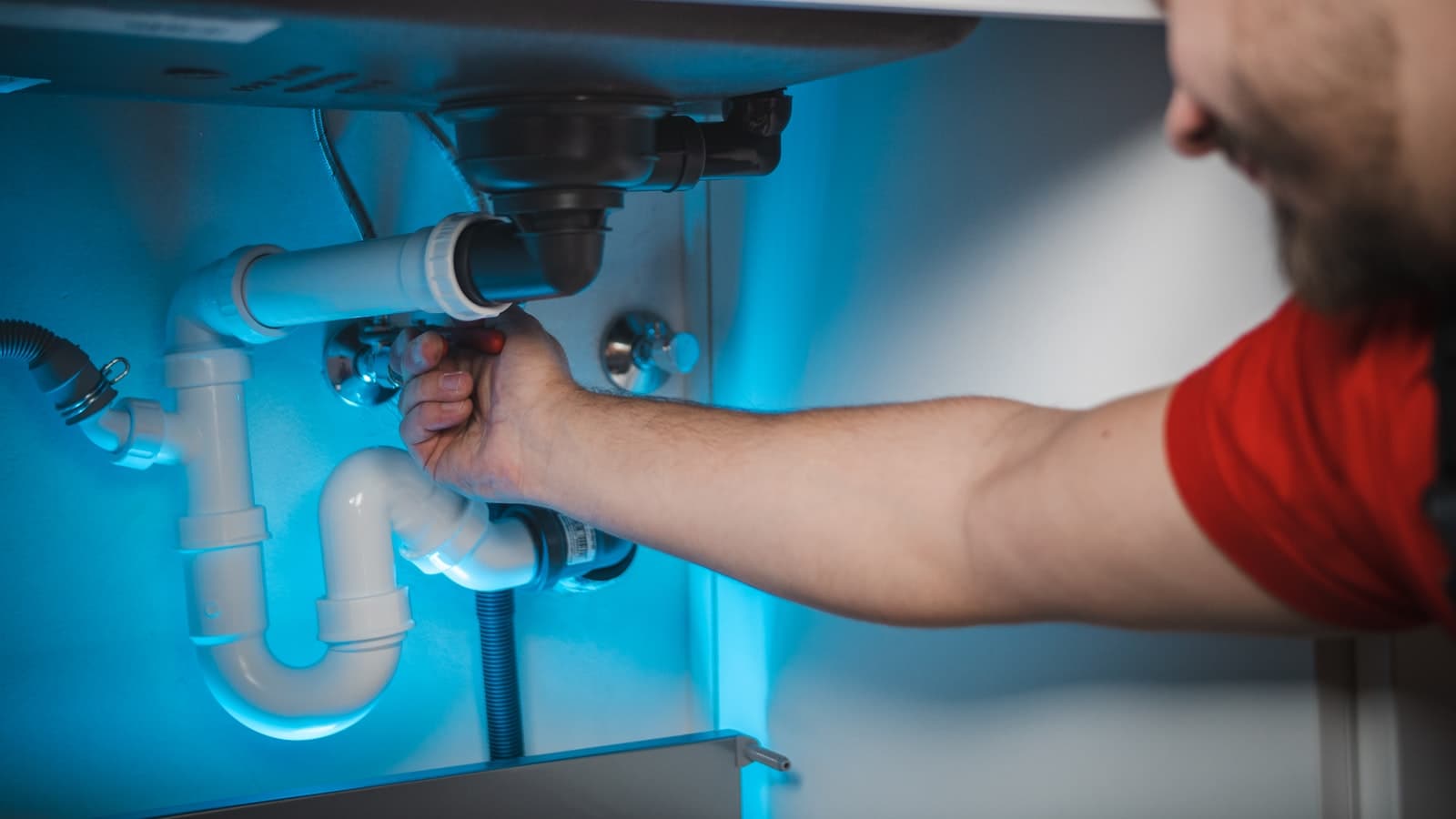
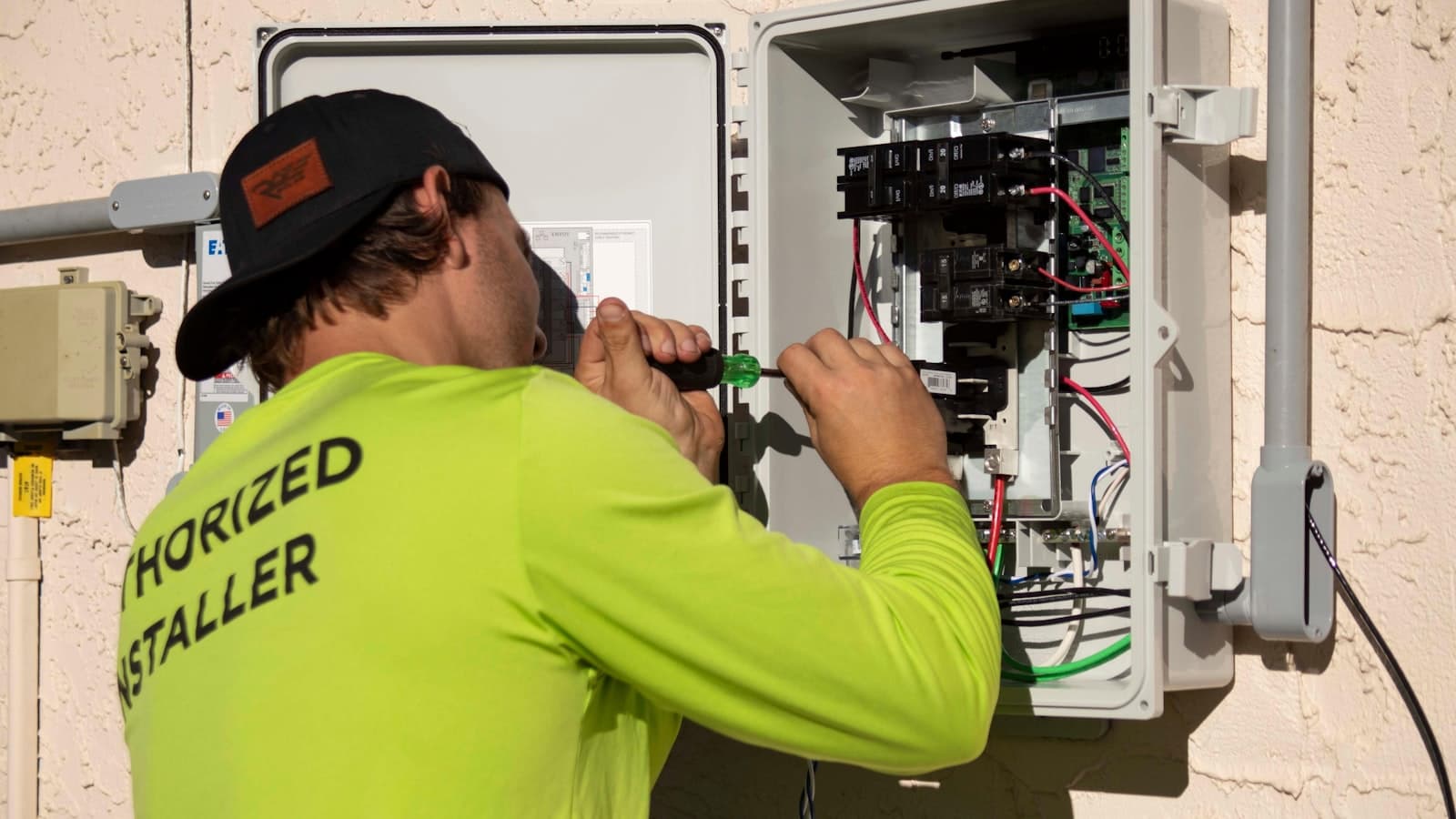
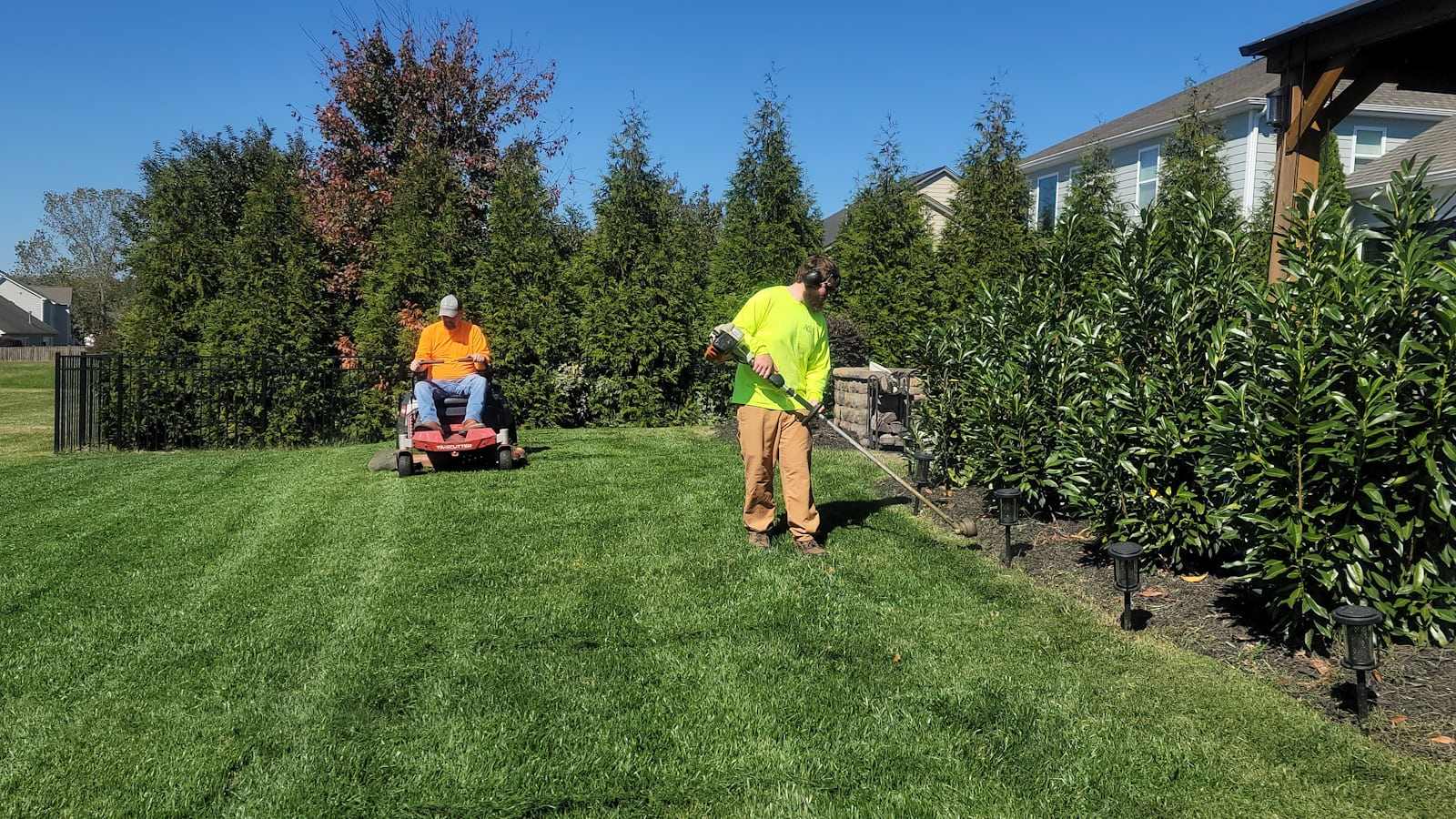
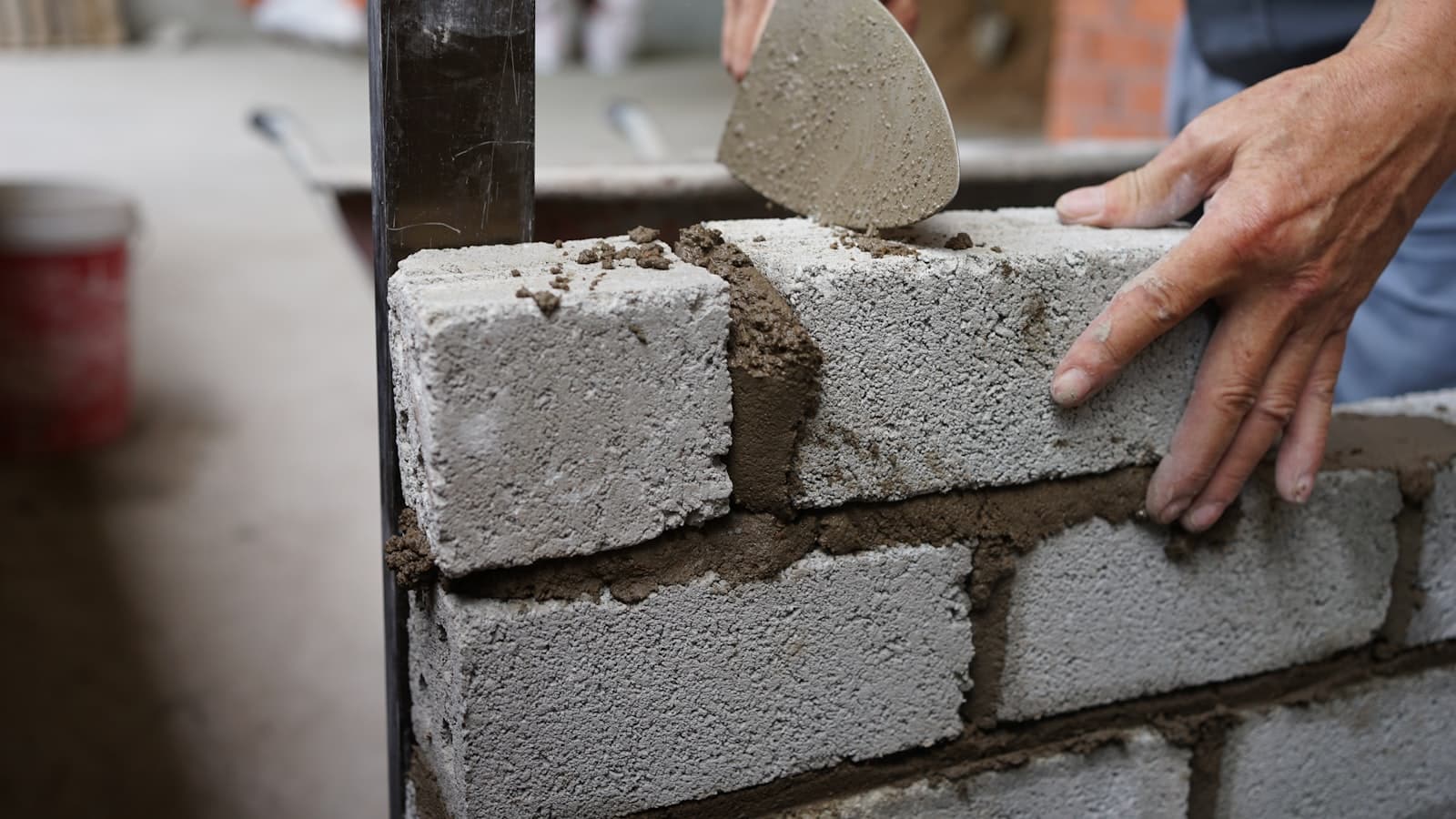
General contractingRoofingPlumbingHVACElectricalLandscapingCarpentry & remodelingPaintingMasonry
Trades

Nine trades, one record

Each of these runs the same core loop. What changes is the rhythm — how often you quote, how far the crew travels, and how much of the day is spent proving what you did.

Cross-trade

The six things every one of them needed

These are not trade packs. They are the parts of the day that look identical whether you are hanging gutters or pouring a footing.

Quote once, never retype it

An approved quote becomes the job, and the job becomes the invoice, carrying its line items the whole way.

  • Client approves from a link
  • Totals stay in sync
  • No second entry at billing

One calendar the office trusts

Every visit — service call, install, follow-up — lands on the same schedule the crew app reads from.

  • Assign by crew or worker
  • Move a job, everyone sees it
  • Today view on the phone

Hours against the right job

Crew clock in and out on their phones, so labour attaches itself to the job rather than to a Friday guess.

  • Clock in on site
  • Timesheets by job
  • Payroll runs off the same rows

Proof lives on the job

Photos, notes and sign-offs are stored on the visit that produced them, ready when a customer questions it.

  • Before and after photos
  • Notes from the crew
  • Timestamped by visit

Receipts caught on the day

Snap a supplier receipt from the truck and it becomes an expense line against the job instead of glovebox paper.

  • Photo to expense
  • Attached to the job
  • Visible in reporting

Clients stop chasing you

The portal shows the customer their quotes, their schedule and their invoices, so the phone stays quiet.

  • Approve quotes online
  • See upcoming visits
  • Pay the invoice there
A day in it

Where the day is actually won

Three moments decide whether an office spends the afternoon chasing people: what the crew can do on site, what happens when the plan changes, and what the client already knows.

On site

The crew carries the job in a pocket

Workers open the app to a single day view: what is on, where it is, and what has to come back with them. Clock in, add photos, leave a note, mark it done — the office sees it without a phone call.

  • Today view lists only the visits assigned to that worker
  • Clock in and out per job, so hours land where the labour went
  • Photos and notes upload against the visit, timestamped
  • Receipts photographed on the truck become expense lines
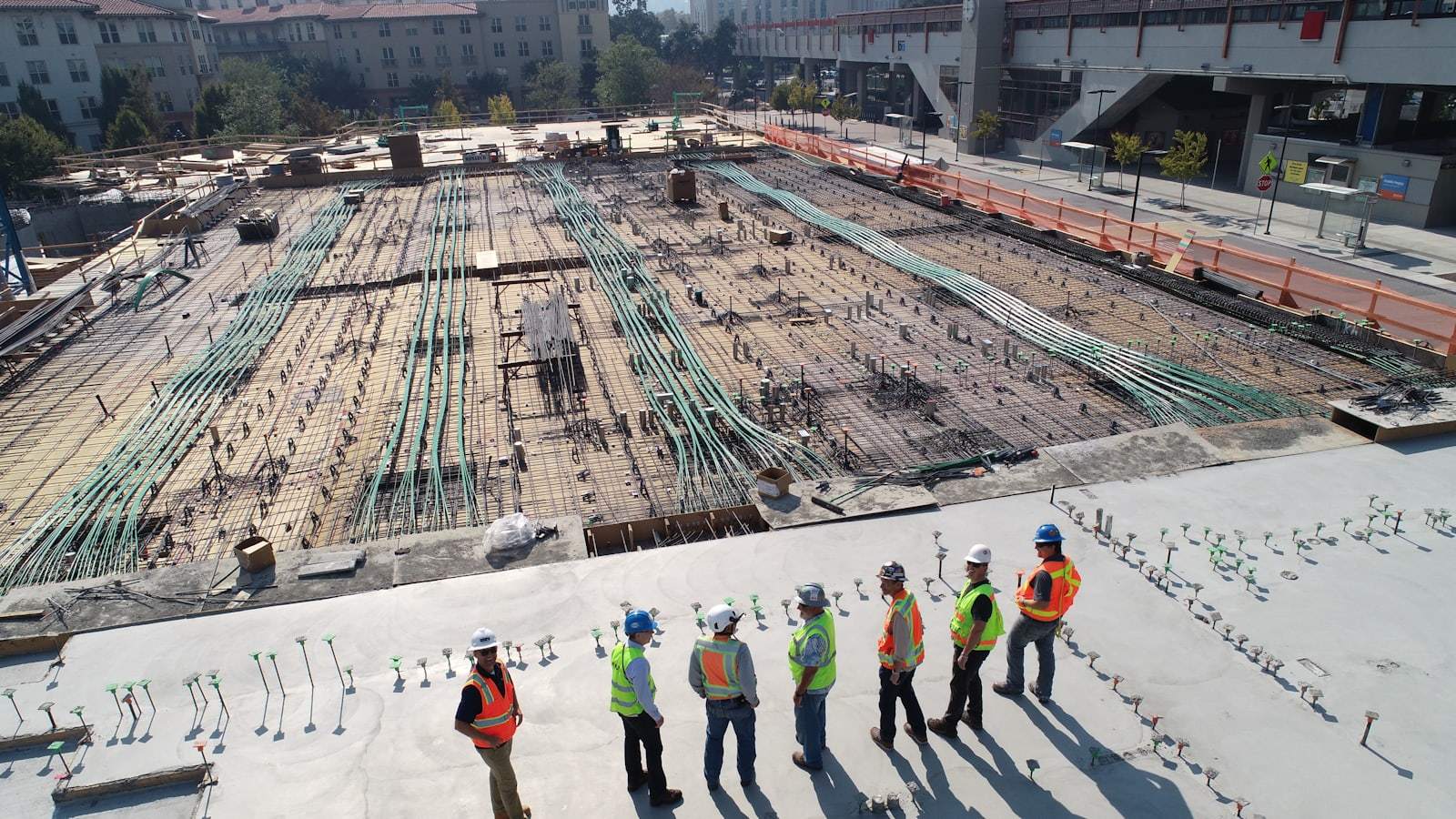
Seven workers in hard hats and hi-vis vests standing in a line on a poured concrete deck, with a large rebar and post-tension cable mat laid out behind them.
Weather & change

When the day moves, the schedule moves once

Rain, a late delivery, a sick tech — the schedule changes and everything downstream should follow it. Move the job on the calendar and the crew app, the client portal and the office all read the new date from the same row.

  • One drag reschedules the visit for everybody
  • Clients see the new date in their portal
  • Nothing is re-keyed into a second calendar
  • The original job, quote and photos stay attached
A worker in a teal hard hat and dark work jacket, seen from behind, holding a phone to his ear on a city jobsite, with a white pickup, traffic cones, barricades and scaffolding behind him.
Handover

The customer already saw it coming

By the time the job is finished, the client has approved the quote, watched the schedule and seen the photos — so the final invoice is a formality rather than a negotiation. That is what the portal is for.

  • Every approval kept in writing on the record
  • Progress photos the client has already seen
  • Final invoice built from the numbers they agreed
  • Payment taken in the same place they approved the work
The completed exterior of a modern two-storey house with wide flat eaves, white stone cladding, floor-to-ceiling glazing and finished planting behind a metal fence.

9

Trades with a worked-through flow on this page

3

Surfaces included: office, crew app, client portal

1

Job record from quote to final payment

0

Times you retype a line item to bill it

These describe how Bricklark is built — they are not customer averages.

Questions

Before you pick a trade off the list

Almost certainly. Bricklark is built around a job, a visit, a crew and an invoice — the shape nearly every trade contractor already works in. The nine trades above are illustrations of that shape, not nine separate products, so nothing needs to be rebuilt for a trade we have not named.

Built for the work you actually do

Start with one job. Quote it, schedule it, send the crew, get paid — then decide.