Quoting software
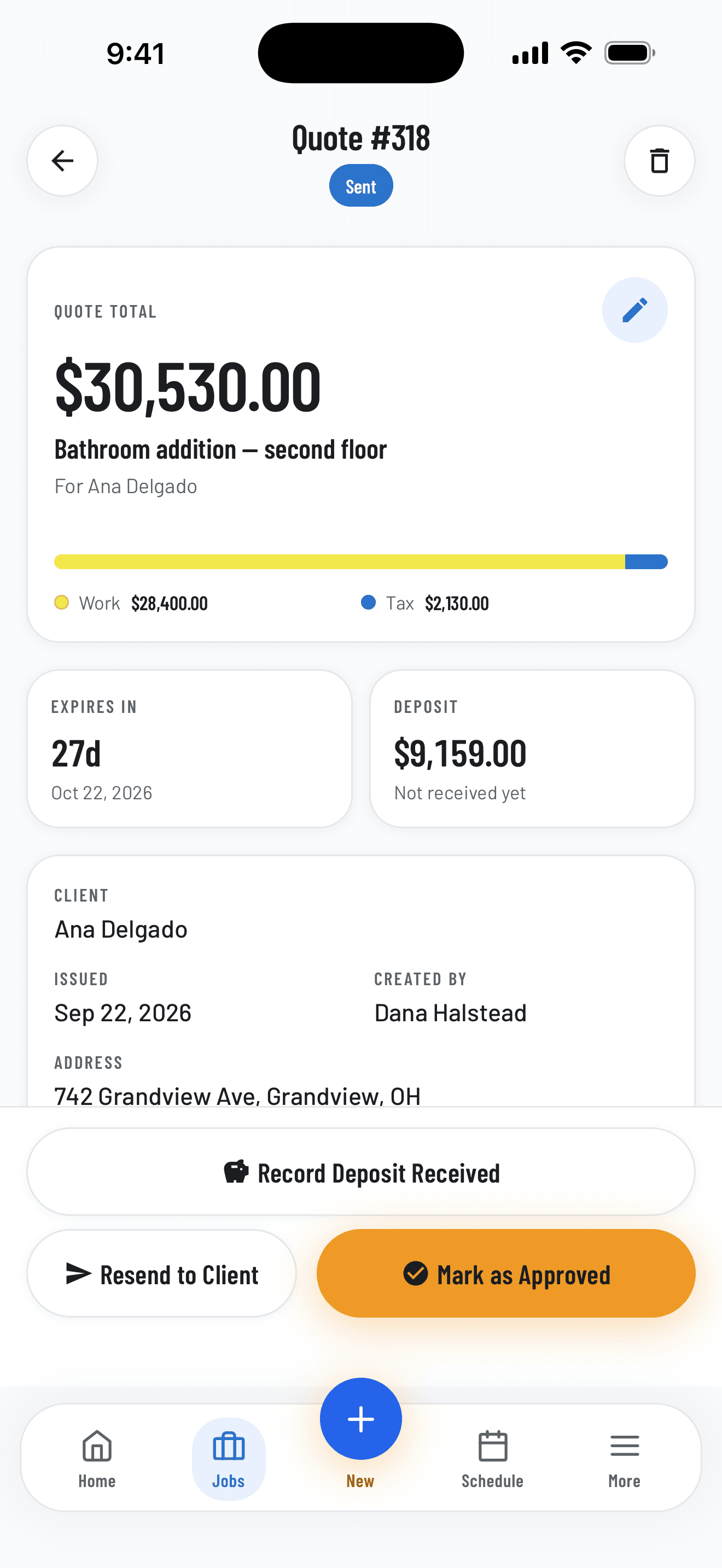
Build professional quotes in minutes, priced line by line with your own cost codes and price book.
Construction management software

Quotes, crew schedules, GPS timesheets, job costs and invoices on one record, shared by the office, the crew and your client.
A quote gets approved, the crew clocks in on site, and the client pays the invoice from their portal.
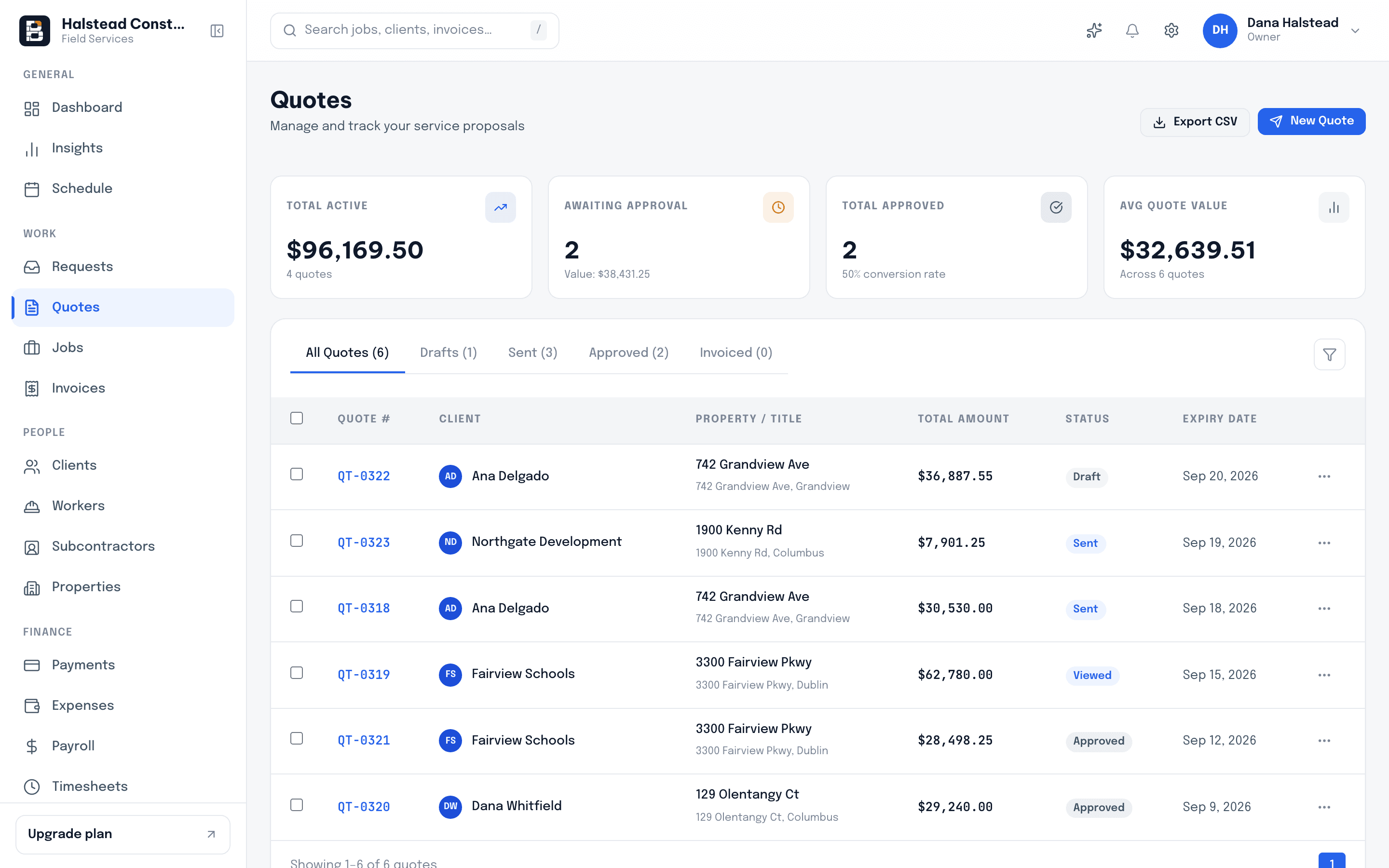
Build a line-item quote on your phone while you walk the site. Your client opens it, approves it and signs it online, and you see the moment they do.
Quote 1042 approved$18,400.00
Drag the job onto the schedule. Your crew gets the address, the scope and the start time on their phone the moment you drop it.
Crew B startsMon 7:00 AM
Your crew clocks in by GPS at the job. Hours, receipts and materials land on the job as they happen, so you see the margin while there is still time to protect it.
Clocked in on site3 crew
Raise the invoice straight from the job. Your client pays by card from a link, and the balance clears itself.
Invoice 2207 paid$18,400.00
Build professional quotes in minutes, priced line by line with your own cost codes and price book.
Manage all your clients, subcontractors and contacts in one place, with every quote and invoice attached.
1840 Ferry Rd
3 jobs · 2 invoices
22 Northgate Ave
Roof replacement · Scheduled
Every address keeps its own jobs, notes and history, so nobody digs through texts to find the gate code.
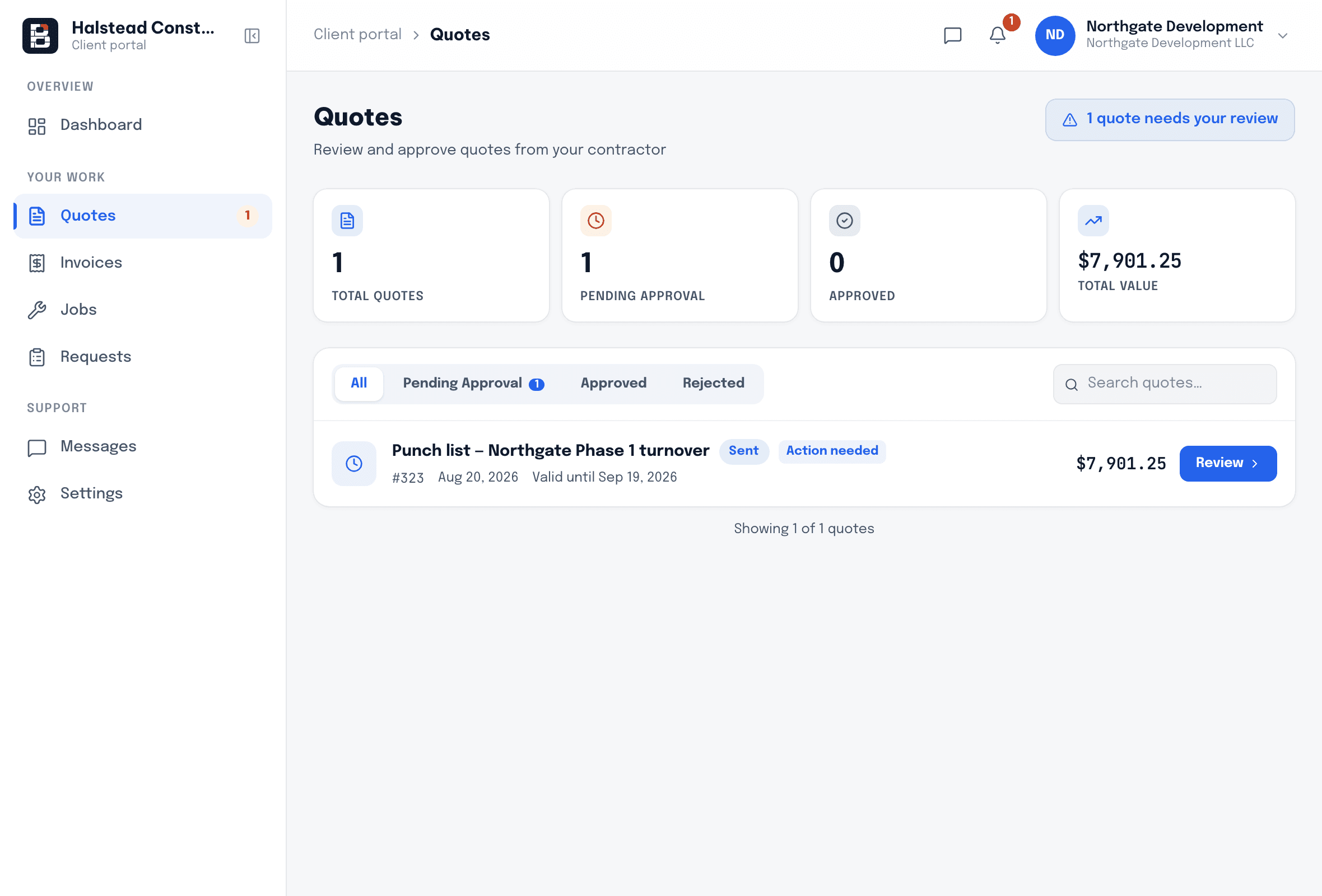
Impress your clients with a professional portal where they review and sign quotes, follow the job and pay invoices.
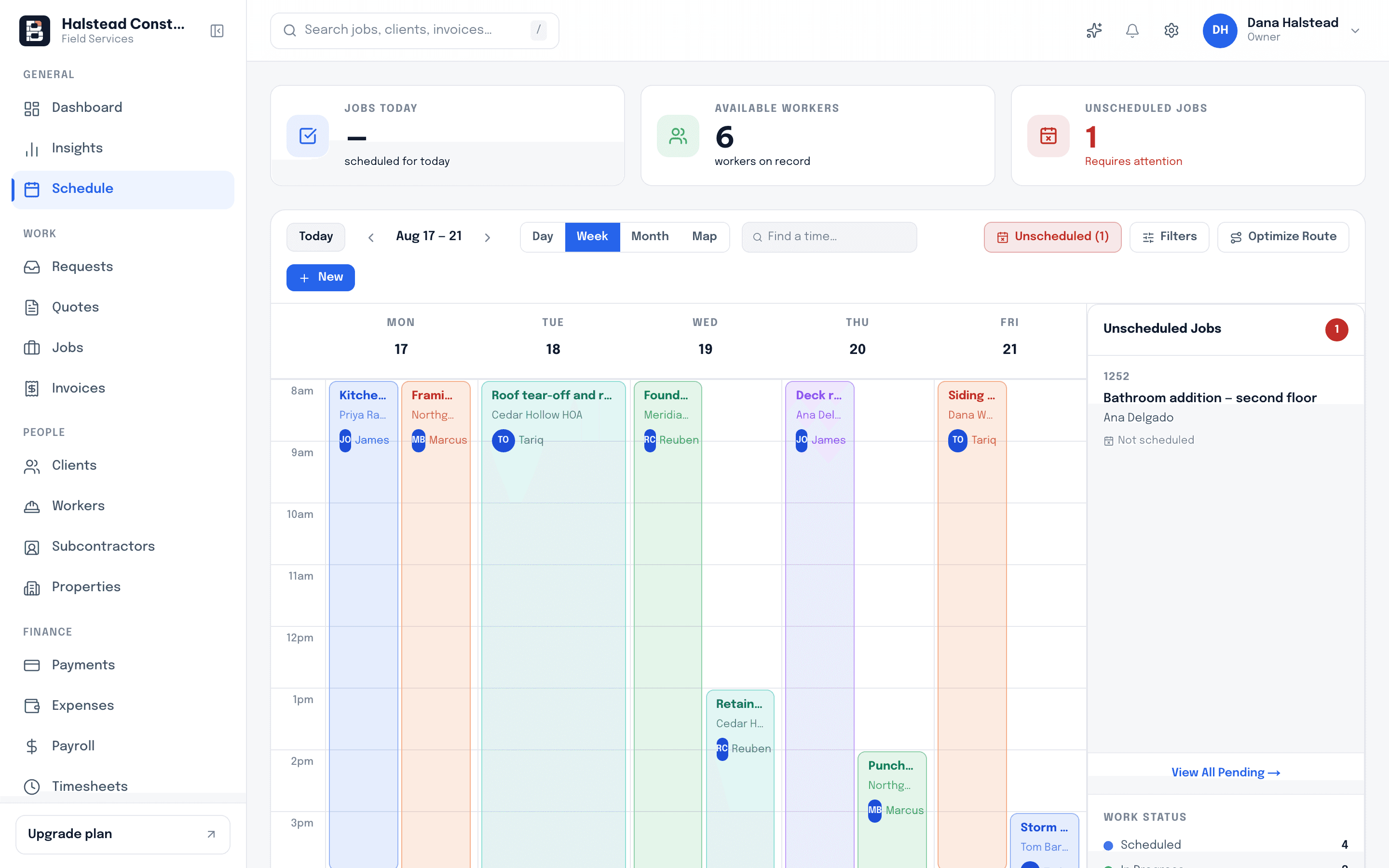
Drag a job to move it. See who is double-booked, who has a gap, and which site nobody is covering on Thursday.
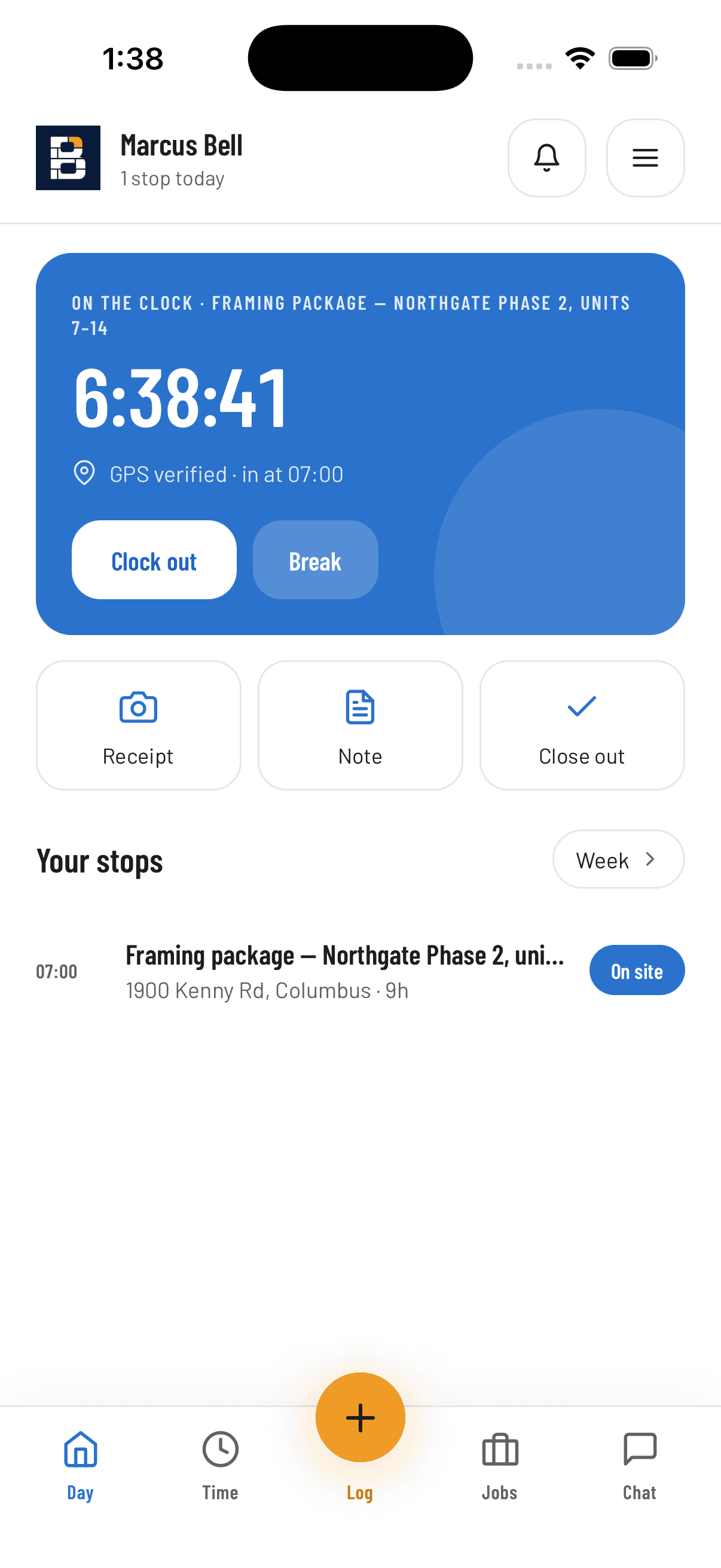
Address, scope, photos and notes for today’s job. Extra work gets logged while the crew is still standing there.
Your crew clocks in and out from the site on their phone, with the location recorded on every entry.
Keep the conversation on the job instead of scattered across personal texts. Photos and updates stay with the record.

Most clients now pay inside a week instead of waiting on a text reminder.
We were chasing invoices by text message. Now the client gets the portal link the day the job closes and most of them pay inside a week. Our average went from thirty-eight days to twenty-seven.
6 hrs
a week back in the office
Payroll stopped being a Sunday job.
Payroll used to be a Sunday job with a shoebox of timesheets. The hours are already against the job by Friday.
$4,200
of variations recovered
Extra work ends up on the invoice instead of in somebody’s memory.
The crew logs the extra work on the phone while they are still standing there.
Zero
calls asking where the crew is
Clients see the crew is on site, so I got my mornings back.
Clients used to ring me twice a day. Now they open the app and see the crew is on site and the job is on track, and honestly they trust us more for it.
Margin by month
Mar – SepLabour, materials and expenses land against the job as they happen, so you know your margin before the job closes.
Invoice #INV-1042
$8,420.00
Card
Bank transfer
Pay invoice
Create invoices from a finished job, send them to your customers and track what is paid, partial and overdue.
Your clients pay invoices from their portal by card or bank transfer, and payouts land in your own account.
Drop receipts to add expenses
Lumber yard — $412.18
Fuel — $86.40
Hardware store — $58.99
Snap or drop a receipt and it is read for you, then filed against the job it belongs to.
Sync clients, invoices and payments with your QuickBooks Online account, so your bookkeeper works from the same numbers.
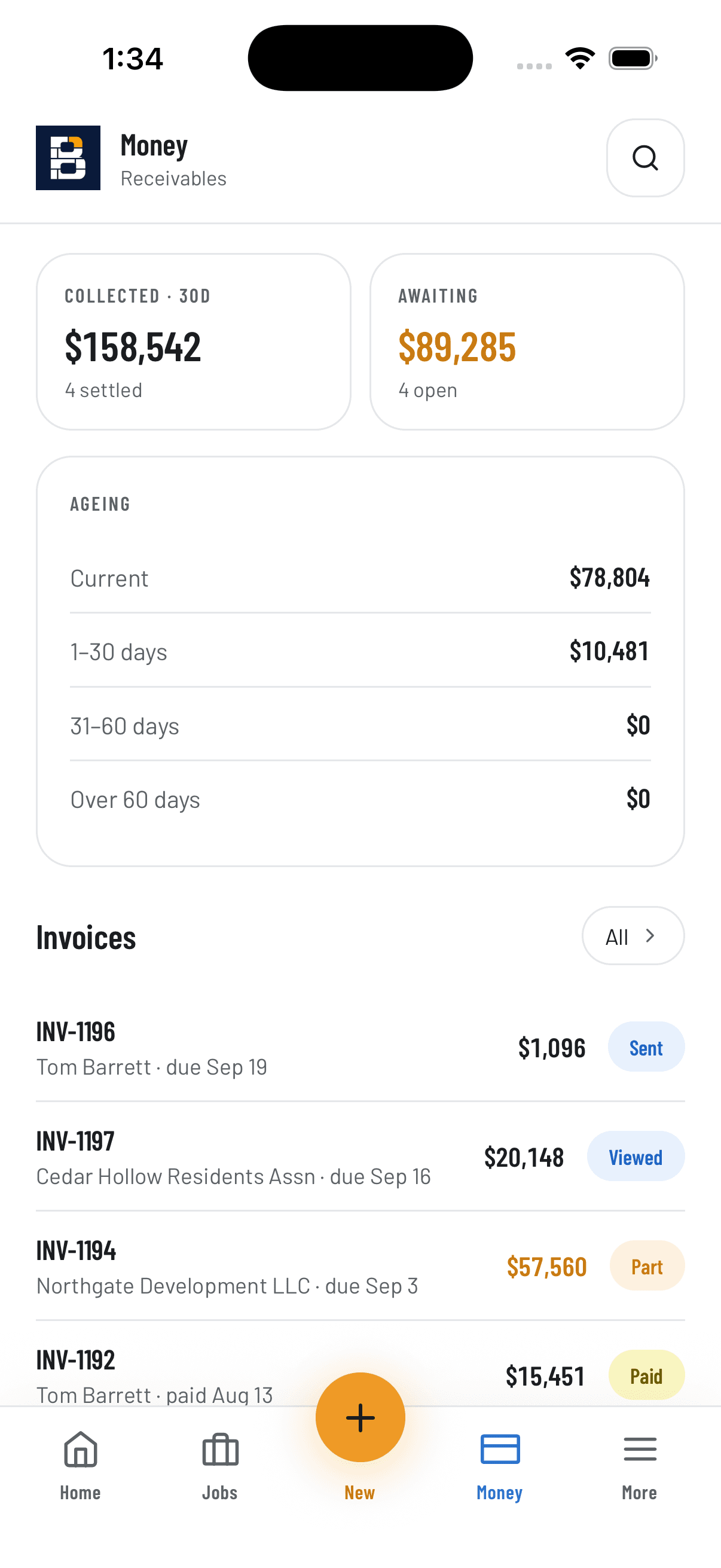
Money in, money owed and today’s jobs from your pocket, between site visits.
Daily site safety check
PPE worn by all crew
Scaffold inspected
Work area barricaded
First aid kit on site
Build your own safety checks, inspections and sign-offs, and have the crew fill them in on site.
Quote #Q-2291 · Kitchen remodel
Approved and signed
Clients approve and sign quotes from any device, so the paperwork is done before the crew shows up.
Plans
Inspections
Change notes
Receipts



Photos, plans and documents are filed with the job automatically, and can be kept in your own Google Drive.
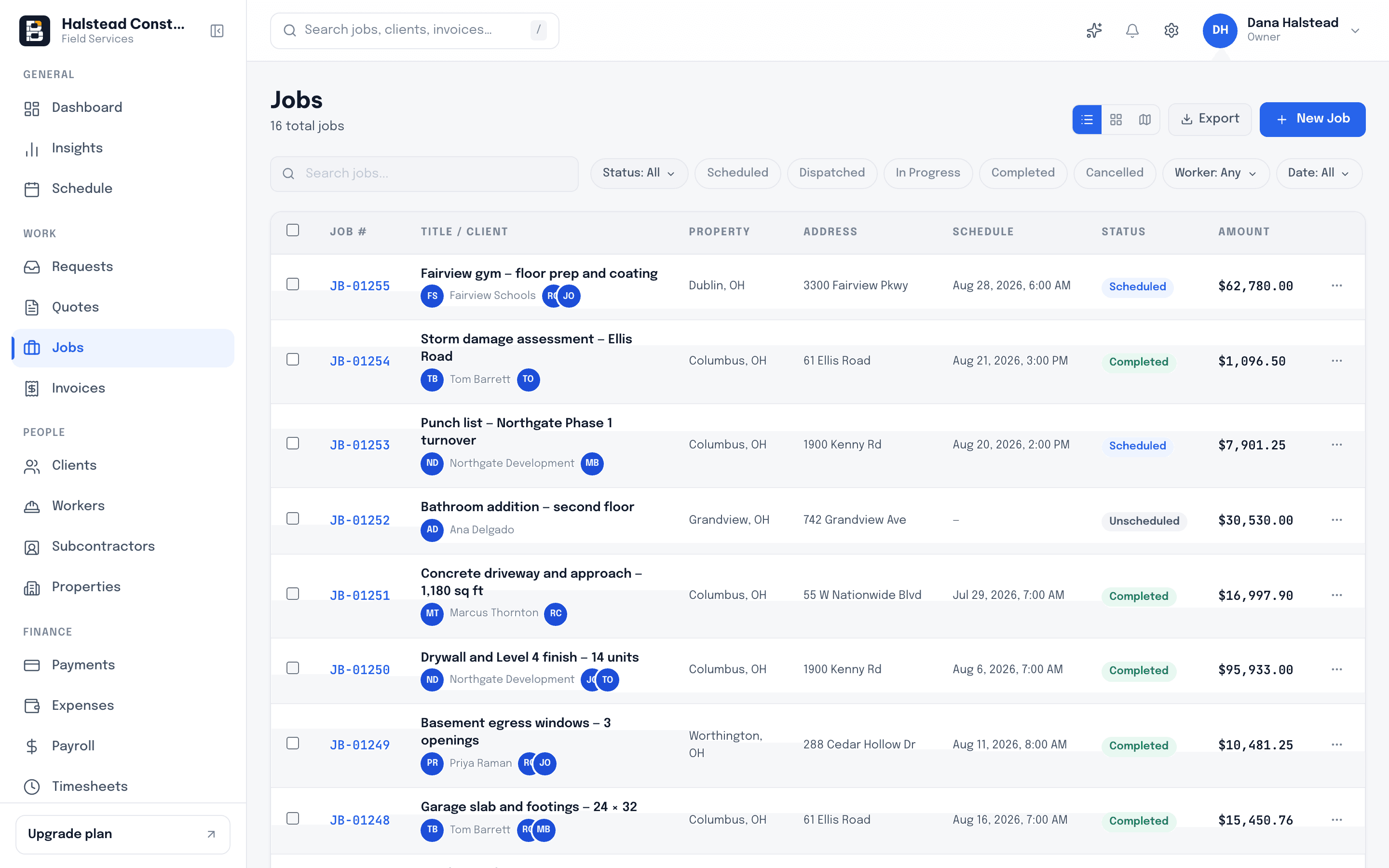
Quotes, visits, crew hours, costs, photos and invoices stay together on one job record instead of five tools.
The office, the crew and the client each get their own app, and all three read and write the same job record.
Quotes, the schedule, costs and invoices, in the browser on any computer.
Today’s job, the address, the scope and a clock-in button on iPhone and Android.
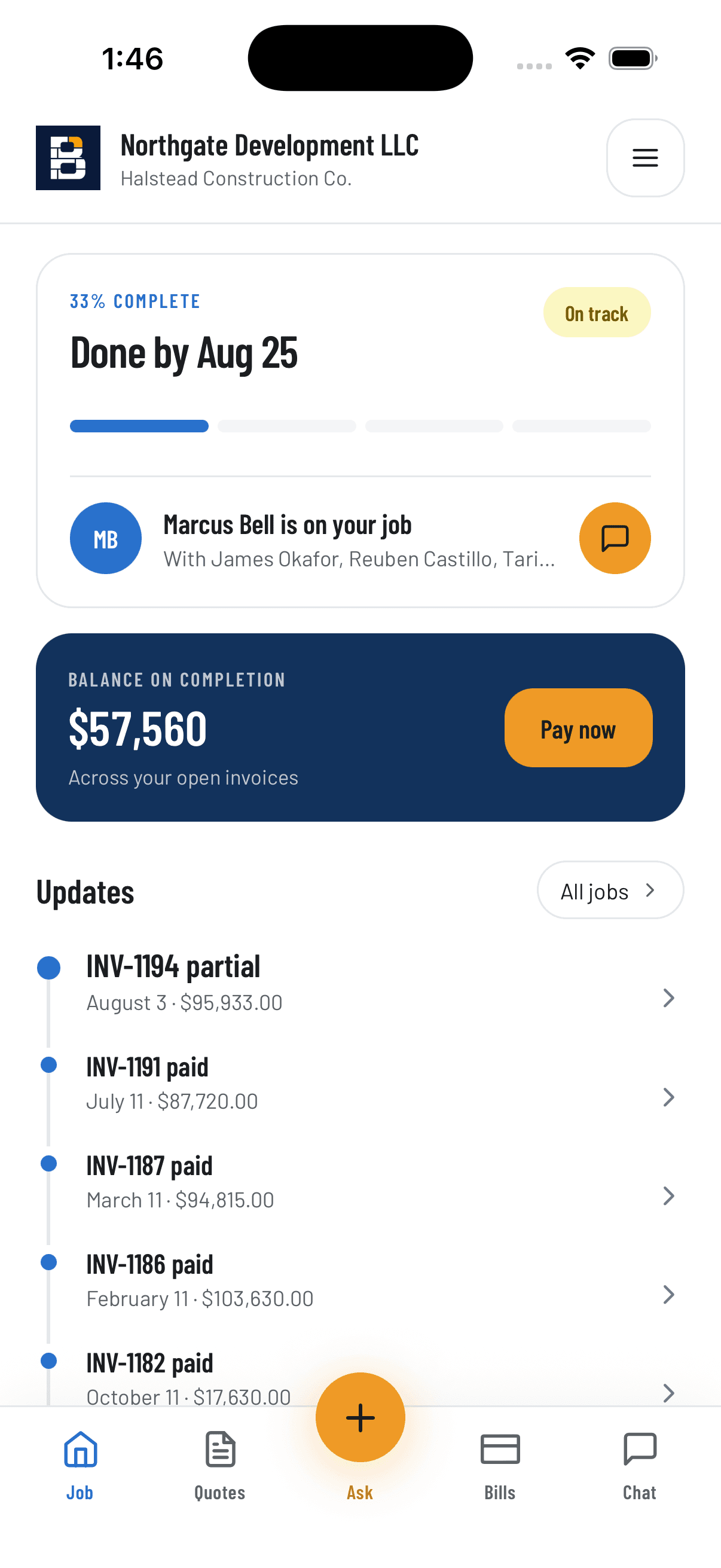
Your client approves the quote, follows progress and pays the invoice from their phone, without calling you.
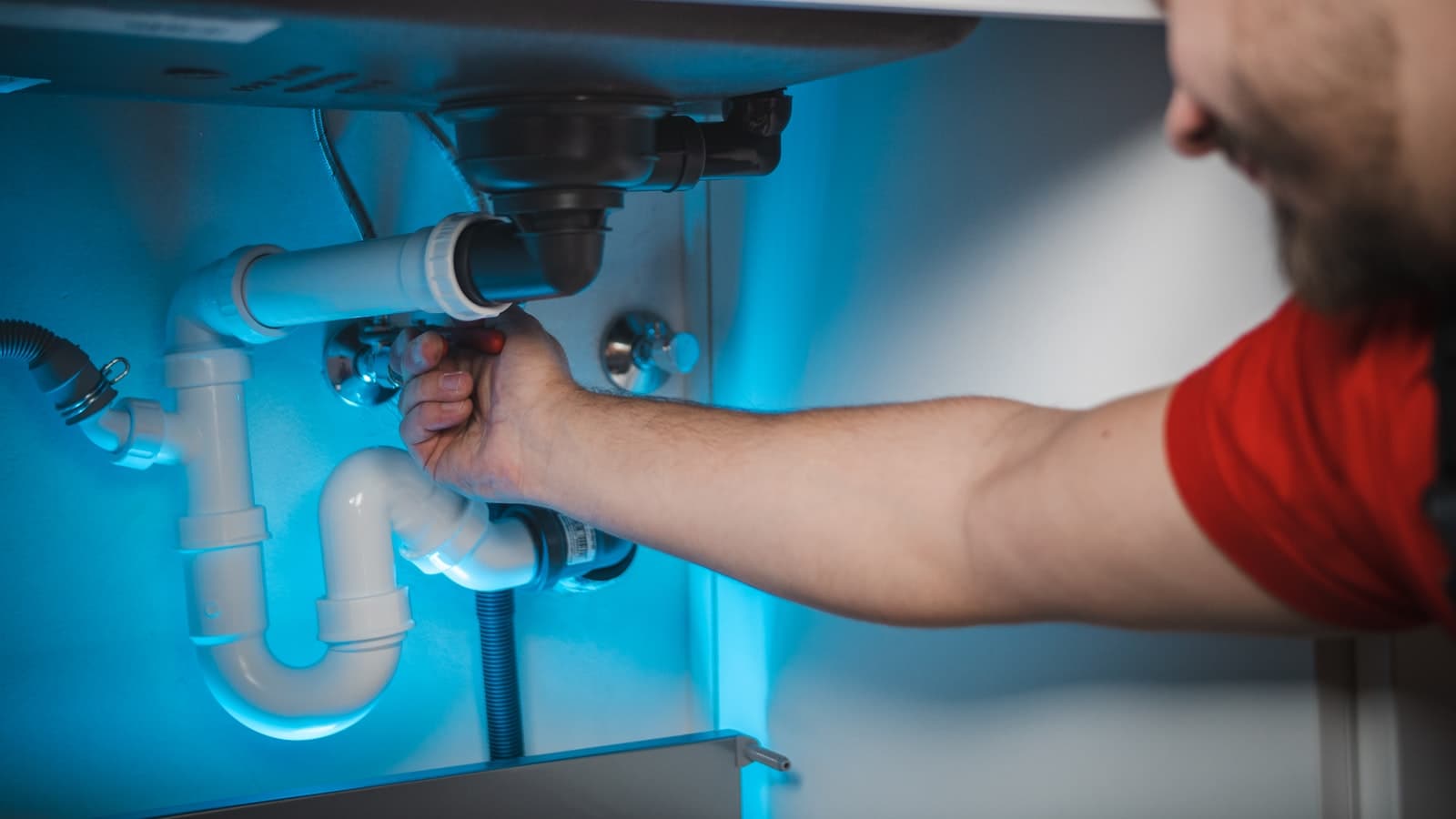
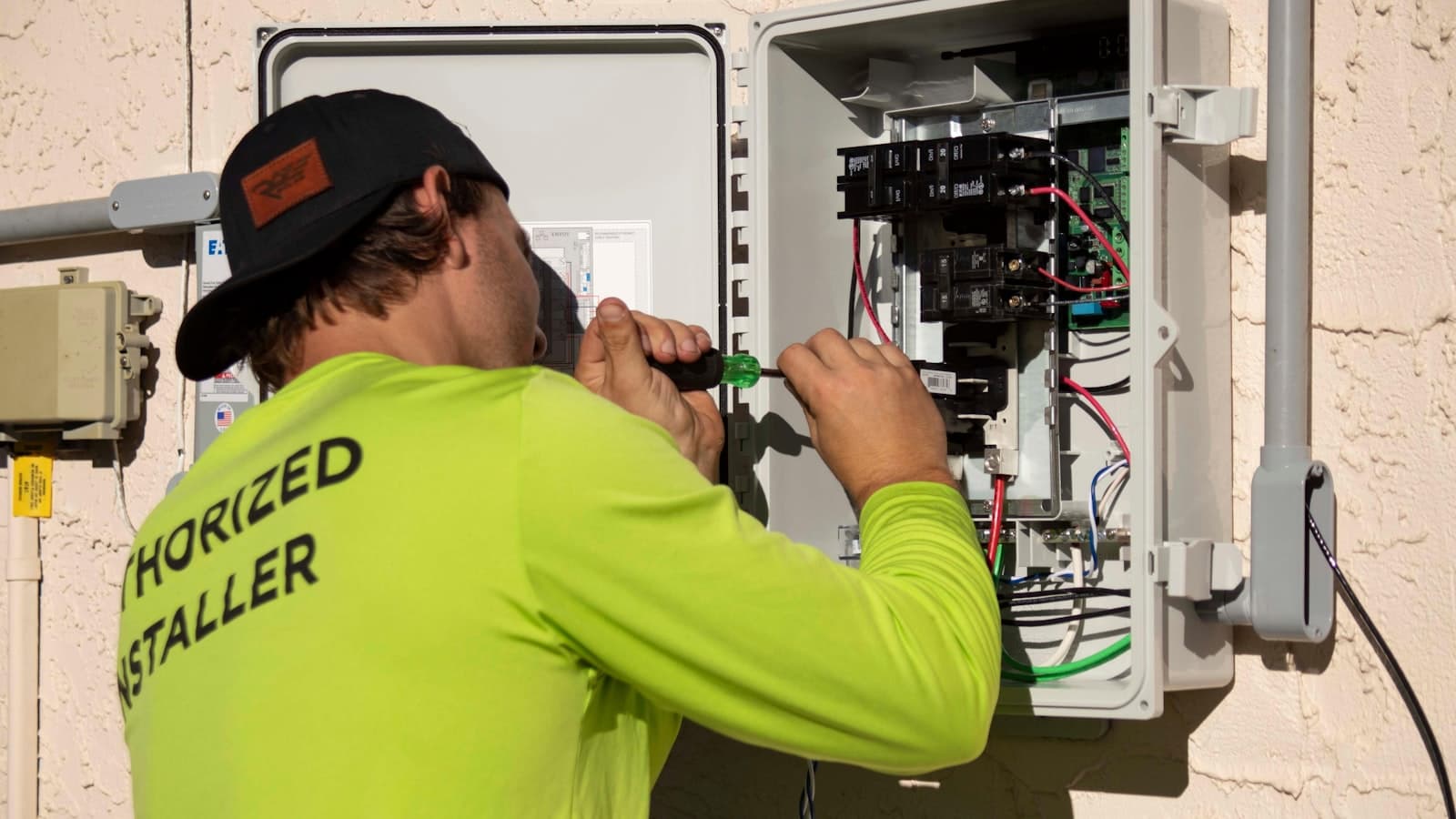
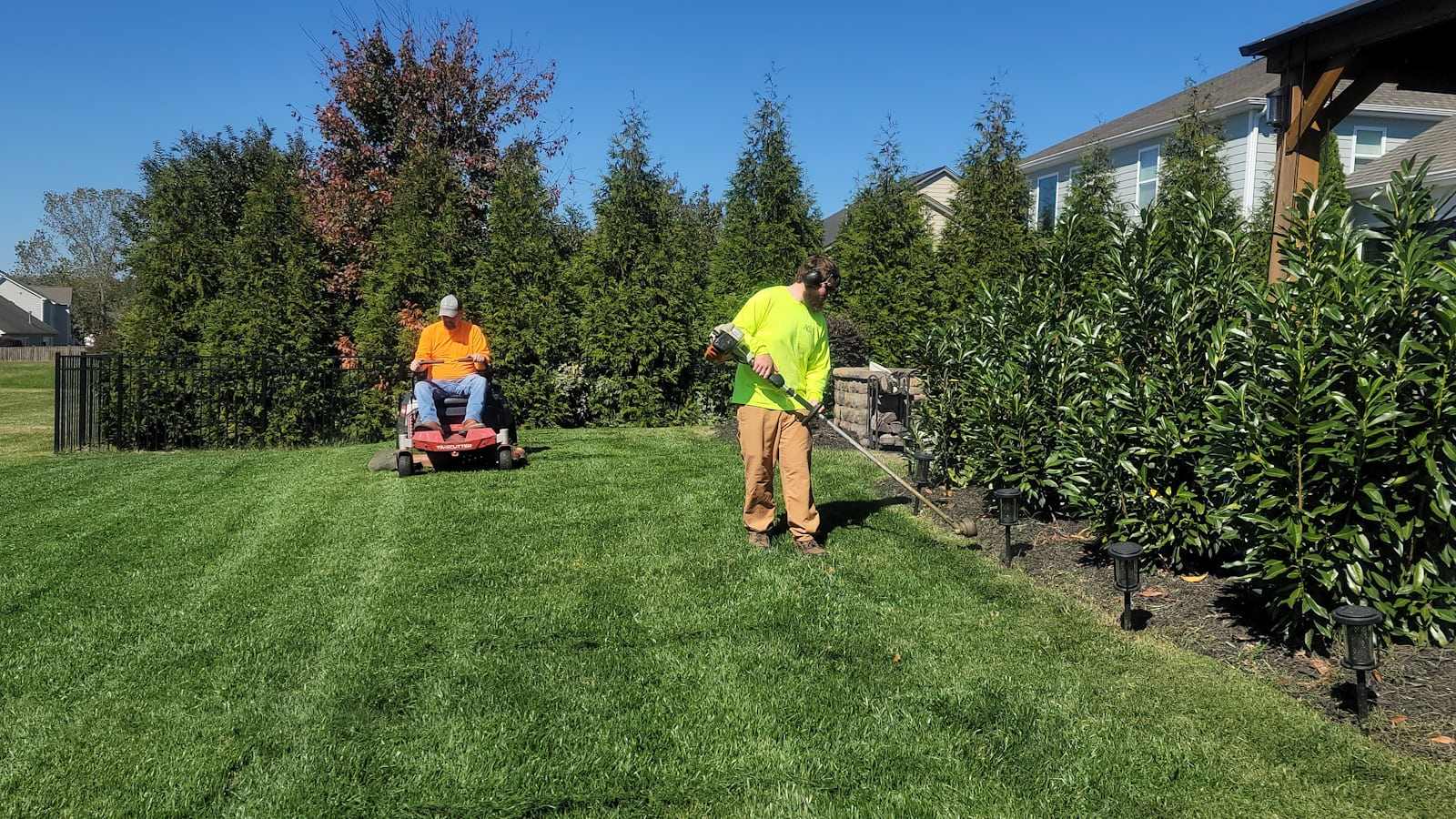
General contractors, remodelers and specialty trades use the same system, set up for the way their jobs actually run.

Lawn care

Drywall

Solar

Flooring

Tree service

Windows & doors
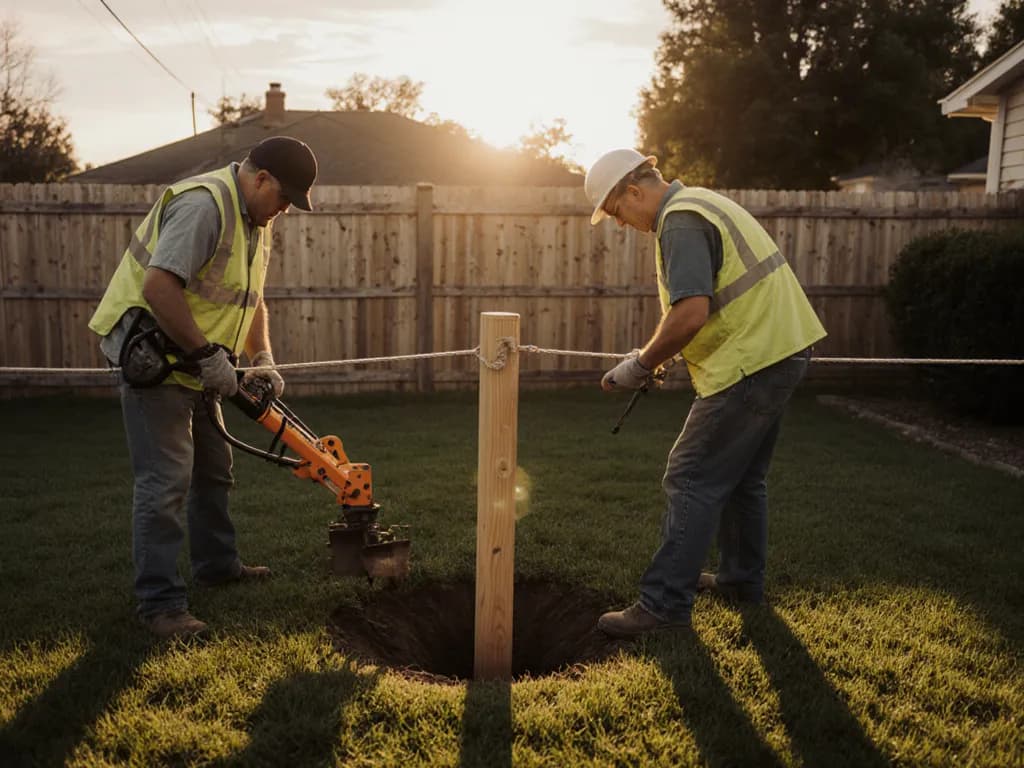
Fencing
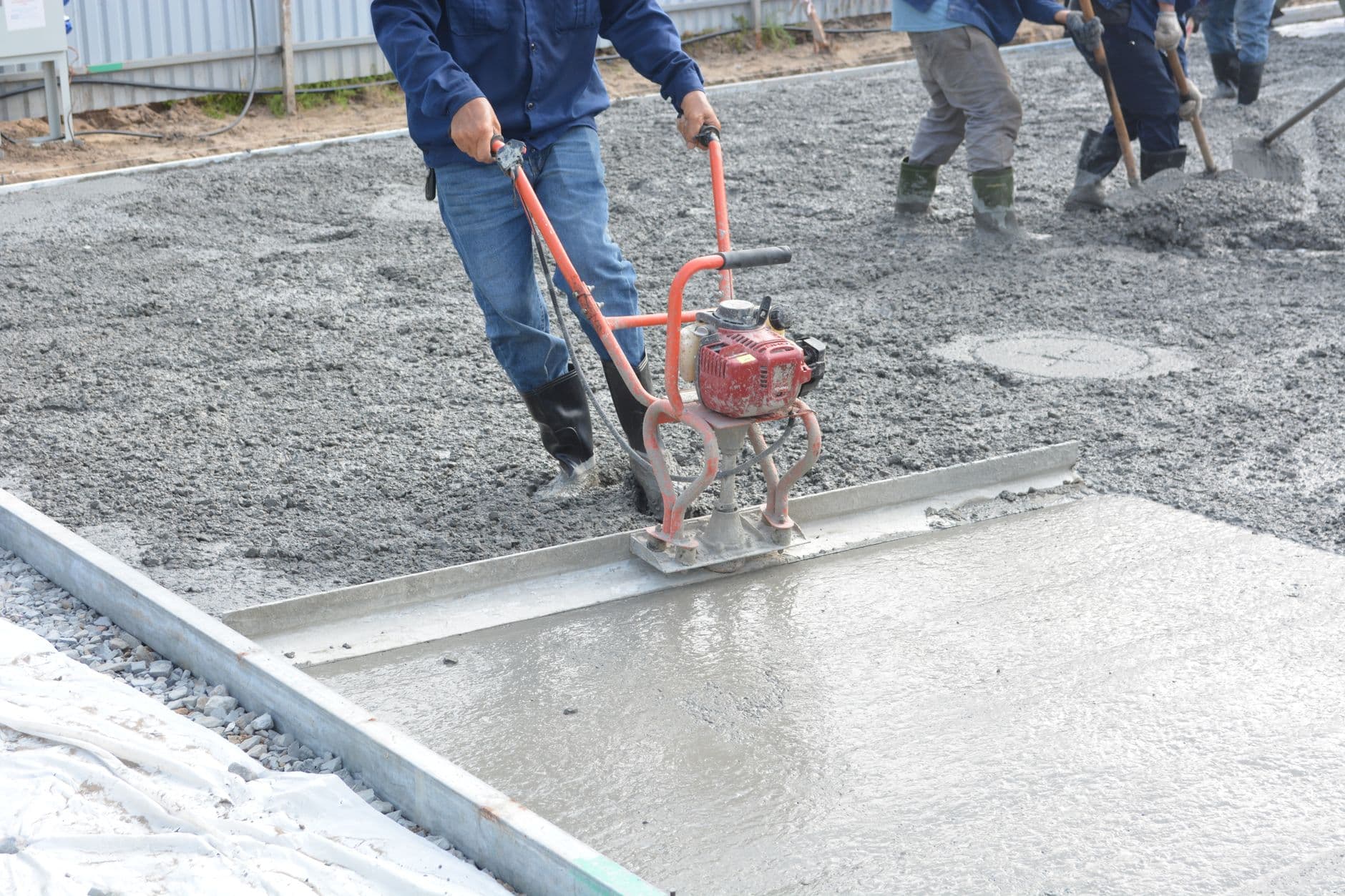
Concrete

Pressure washing
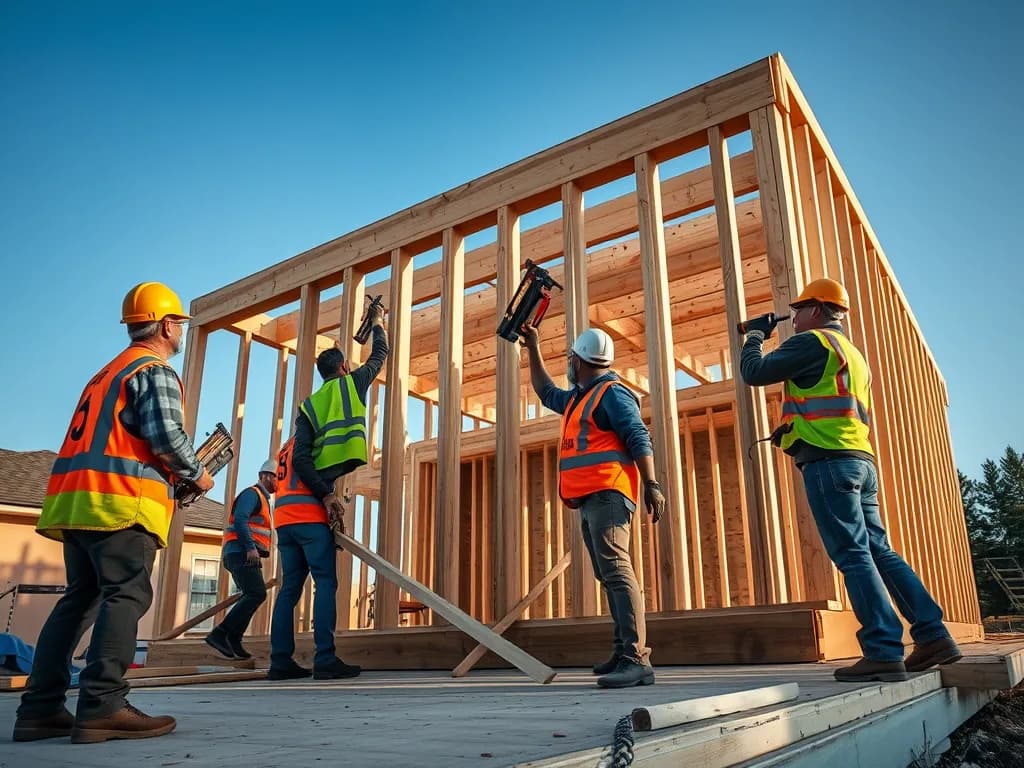
Framing

Cabinets & remodels

Pool service
Steel frames
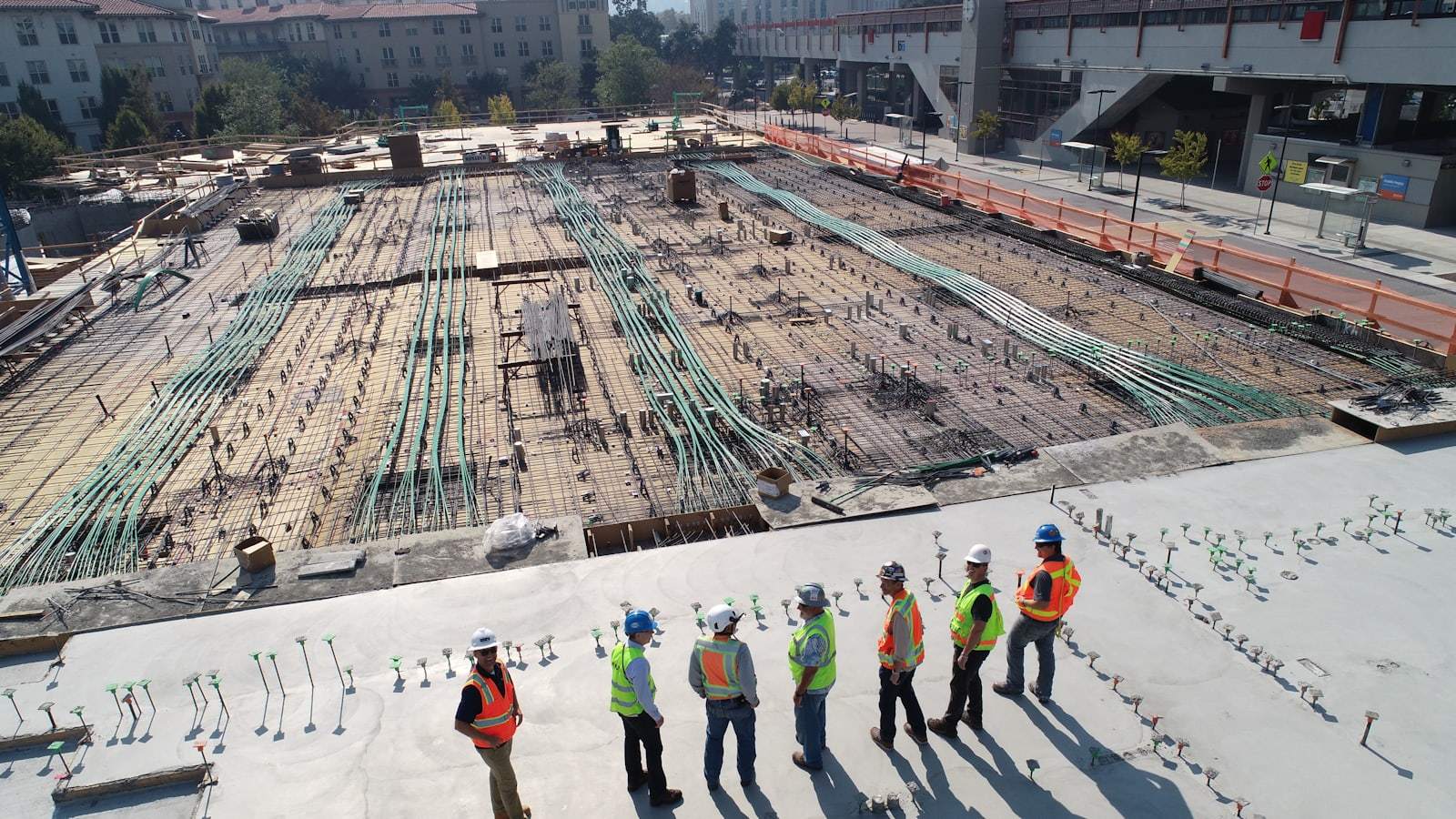
Site work

Commercial builds
Two plans, every feature you need to run the job, and 7 days free before you pay anything.
$20/mo billed yearly
Save 33%
Start 7-day free trial$60/mo billed yearly
Save 14%
Start 7-day free trialWritten for the person doing the office work at nine at night, not for accountants.
7 days free on every plan, no setup fee and no contract. Cancel before day 8 and you pay nothing.