Painting software built for how the job actually runs

Priced by surface, delivered by crew. Quote per room, schedule per day, and bill what actually got covered.

Create accountSee every trade
For this trade

What changes for painting crews

Built around the visit, not a form

Priced by surface, delivered by crew. Quote per room, schedule per day, and bill what actually got covered.

  • Line items per room or surface, priced once and reused
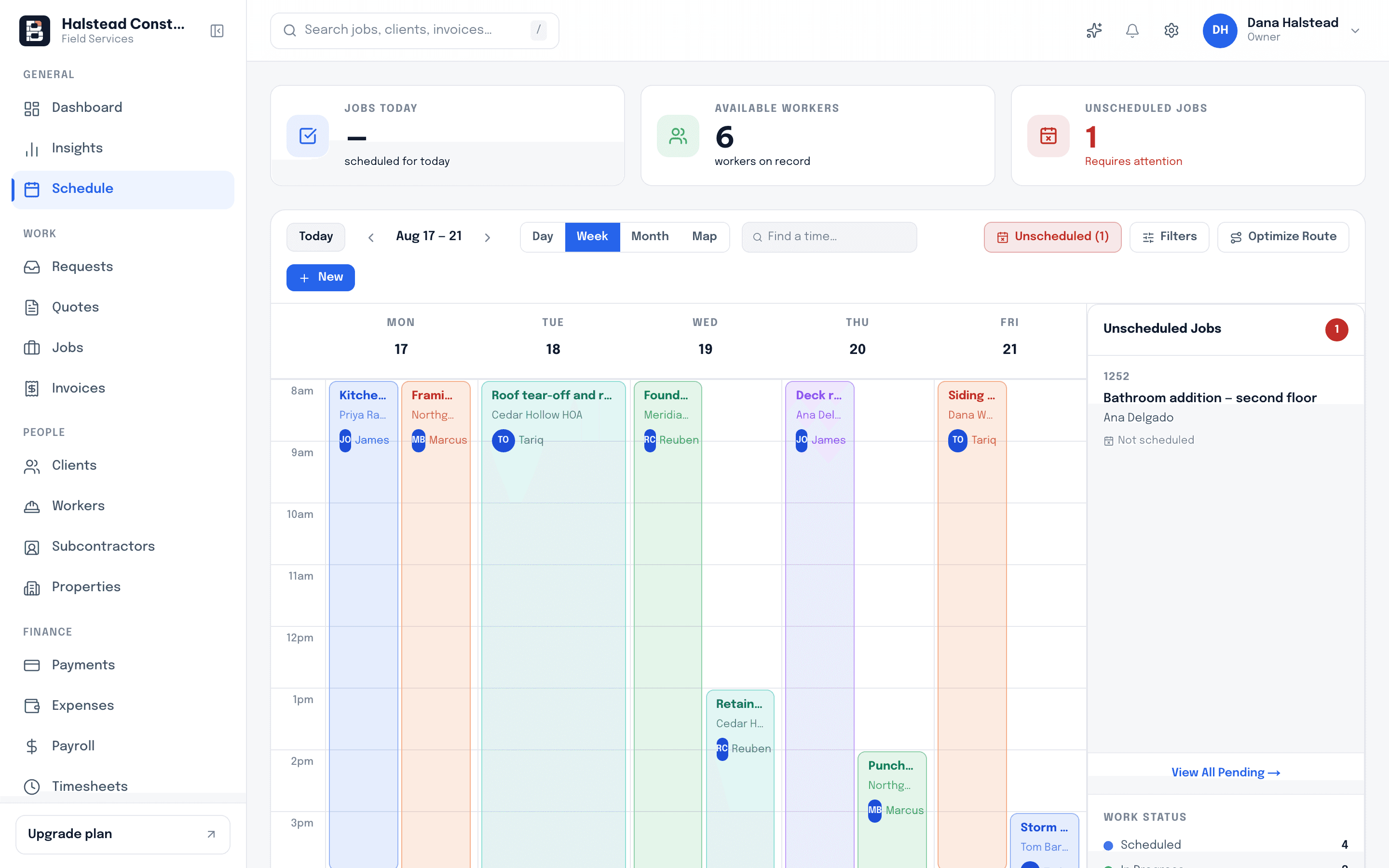
  • Day-by-day crew assignment on a calendar the office can see
  • Final walkthrough photos filed against the job before invoicing
A painter in red coveralls, seen from behind, rolling yellow paint onto a pale interior wall with a roller.
Cross-trade

What stays the same underneath

These are not trade packs. They are the parts of the day that look identical whether you're on this trade or the one next door.

Quote once, never retype it

An approved quote becomes the job, and the job becomes the invoice, carrying its line items the whole way.

  • Client approves from a link
  • Totals stay in sync
  • No second entry at billing

One calendar the office trusts

Every visit — service call, install, follow-up — lands on the same schedule the crew app reads from.

  • Assign by crew or worker
  • Move a job, everyone sees it
  • Today view on the phone

Hours against the right job

Crew clock in and out on their phones, so labour attaches itself to the job rather than to a Friday guess.

  • Clock in on site
  • Timesheets by job
  • Payroll runs off the same rows

Proof lives on the job

Photos, notes and sign-offs are stored on the visit that produced them, ready when a customer questions it.

  • Before and after photos
  • Notes from the crew
  • Timestamped by visit

Receipts caught on the day

Snap a supplier receipt from the truck and it becomes an expense line against the job instead of glovebox paper.

  • Photo to expense
  • Attached to the job
  • Visible in reporting

Clients stop chasing you

The portal shows the customer their quotes, their schedule and their invoices, so the phone stays quiet.

  • Approve quotes online
  • See upcoming visits
  • Pay the invoice there
Questions

Before you switch your painting crew over

No. Jobs are not locked to a trade. A company doing this alongside another trade runs both out of one account, one calendar and one client list, and reporting still separates them by job.

Other trades

Bricklark runs the same way for these too

General contractingRoofingPlumbingHVACElectricalLandscapingCarpentry & remodelingMasonry

Start with one painting job

Quote it, schedule it, send the crew, get paid — then decide.